This topic includes:
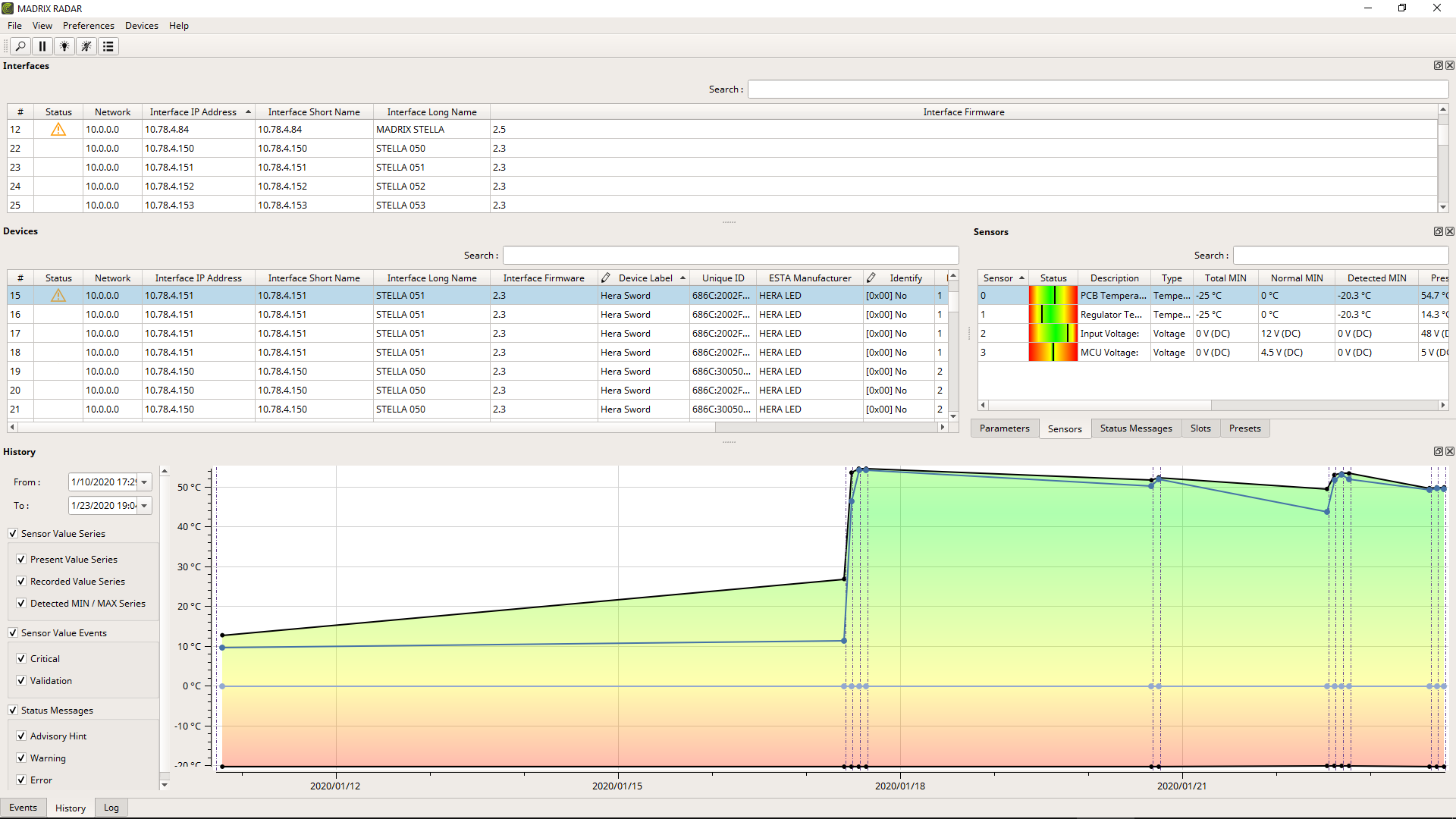
The user interface is what you see of the software.
You will immediately see it when starting MADRIX RADAR for the first time. This graphical user interface [abbr.: GUI] provides visual feedback, controls, and information for you.
▪»Menu
This topic introduces the menu bar of the software found at the top of the screen.
▪»Toolbar
The optional toolbar provides quick access to common actions.
▪»Customization
MADRIX RADAR provides ways on how to set up the software's user interface according to individual preferences.
▪»Tooltips
Additional information is readily available if wanted.
| MADRIX RADAR User Manual 1.5. |
| [Ctrl & +/-] = Zoom In/Out | [Ctrl & 0] = 100% |
|
Previous Next
|
|
Enable Automatic Translation | Activer La Traduction Automatique | 启用自动翻译 |