This topic includes:
If do not wish to use the integrated full-screen mode of the software [»Full-Screen Mode], you can still maximize the screen size that is available to you.
▪In Windows 11, Right Mouse Click on the Windows Taskbar > Taskbar settings
▪Or go to Start [Windows Logo] > Settings > Personalization > Taskbar
▪Enable Taskbar behaviors > Automatically hide the taskbar
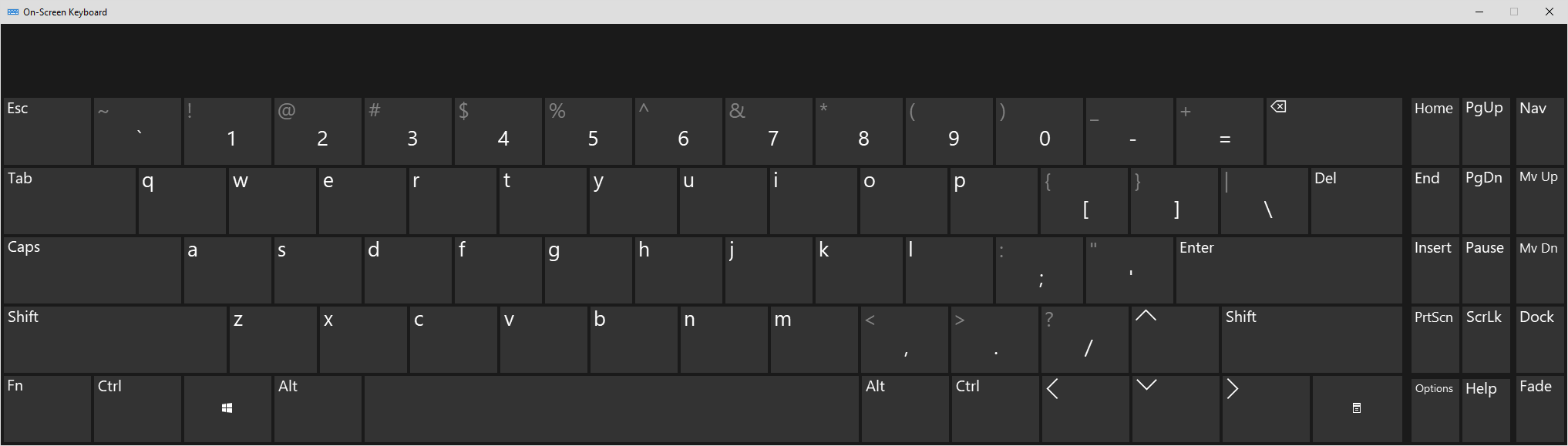
If you are missing a physical keyboard on your computer, if you currently cannot reach it, or if it is not accessible to you in any other way, you can choose to use the on-screen keyboard provided by the Windows operating system.
▪In Windows 11, go to Start [Windows Logo] > Settings > Accessibility > Keyboard > On-screen keyboard > On
| MADRIX 5.8. |
| [Ctrl & +/-] = Zoom In/Out | [Ctrl & 0] = 100% |
|
Previous Next
|
|
Enable Automatic Translation | Activer La Traduction Automatique | 启用自动翻译 |